Salla - ValueFirst Connector
ValueFirst SMS service seamlessly integrates with the Salla e-commerce platform, enabling businesses to send timely and personalized messages to their customers. This includes order confirmations, shipping updates, promotional campaigns, and transactional alerts. It provides reliable message delivery and seamless support for any assistance or help, ensuring smooth and efficient communication between businesses and their customers.
The ValueFirst application helps businesses communicate effectively with their customers by enabling them to:
- Send OTPs for secure customer authentication and verification.
- Deliver regular text messages to share important updates and information.
- Trigger marketing campaigns to promote products and drive engagement.
- Send order status notifications to keep customers informed in real time.
- Ensure seamless and reliable message delivery across customer touchpoints.
ValueFirst – Connector App
Step 1: Install the ValueFirst – Connector app from the Salla App Store.
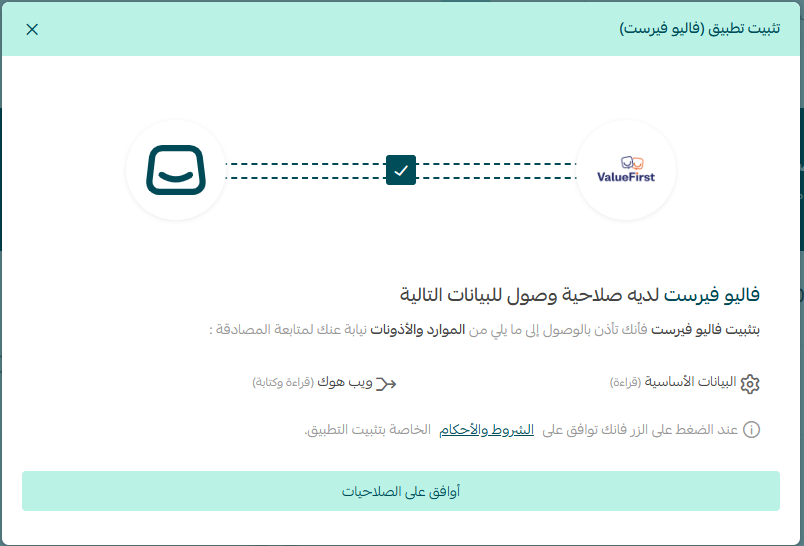
Step 2: After installation, grant the required permissions as prompted in the Salla app.
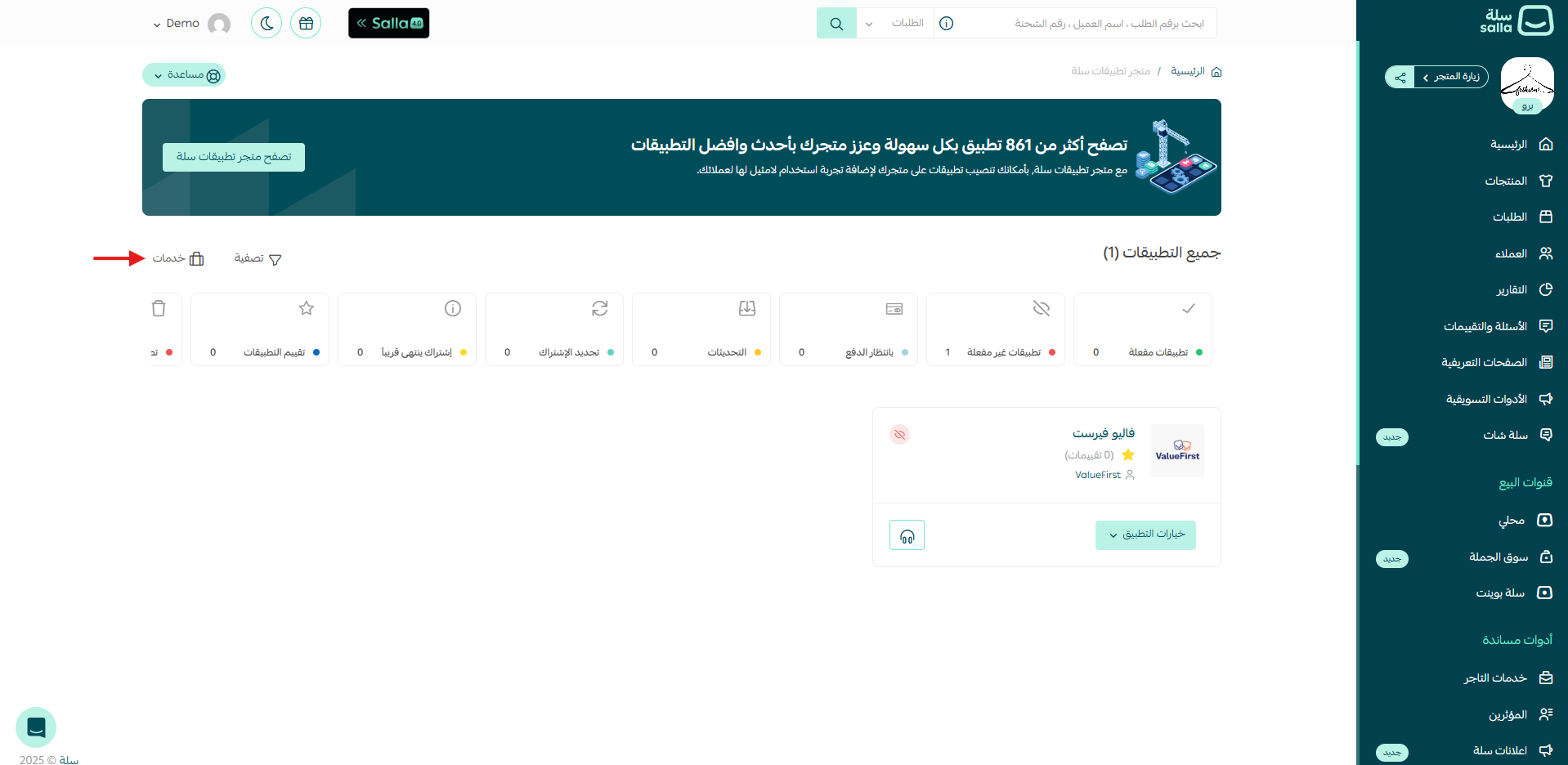
Step 3: Navigate to the Installed Apps section on the dashboard. Select the Application Option and click Activate Application.
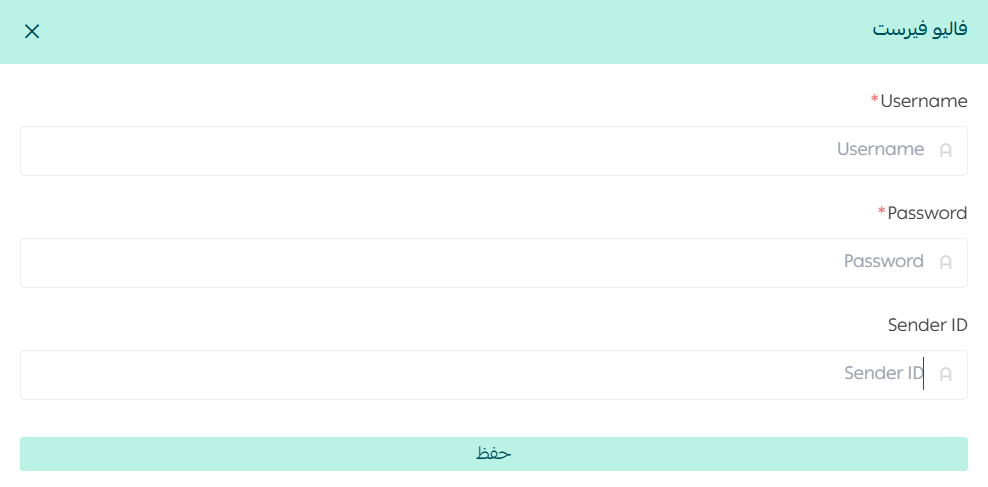
Step 4: Enter your ValueFirst Username, Password, and Sender ID, then click Save. (Note: Client ID and password in the developer section of your Infinito account)
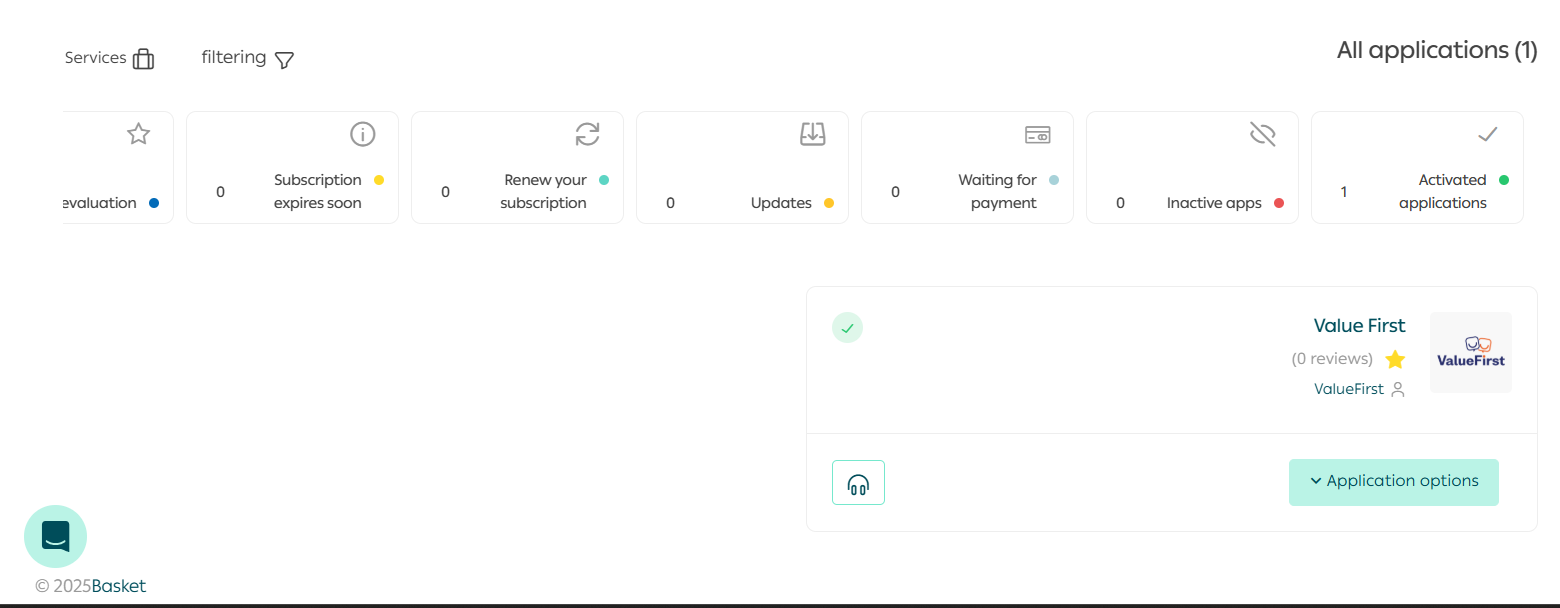
Step 5: After completing the configuration, go to the Service dropdown and select Messaging App Settings. Choose ValueFirst in both fields and click Save.
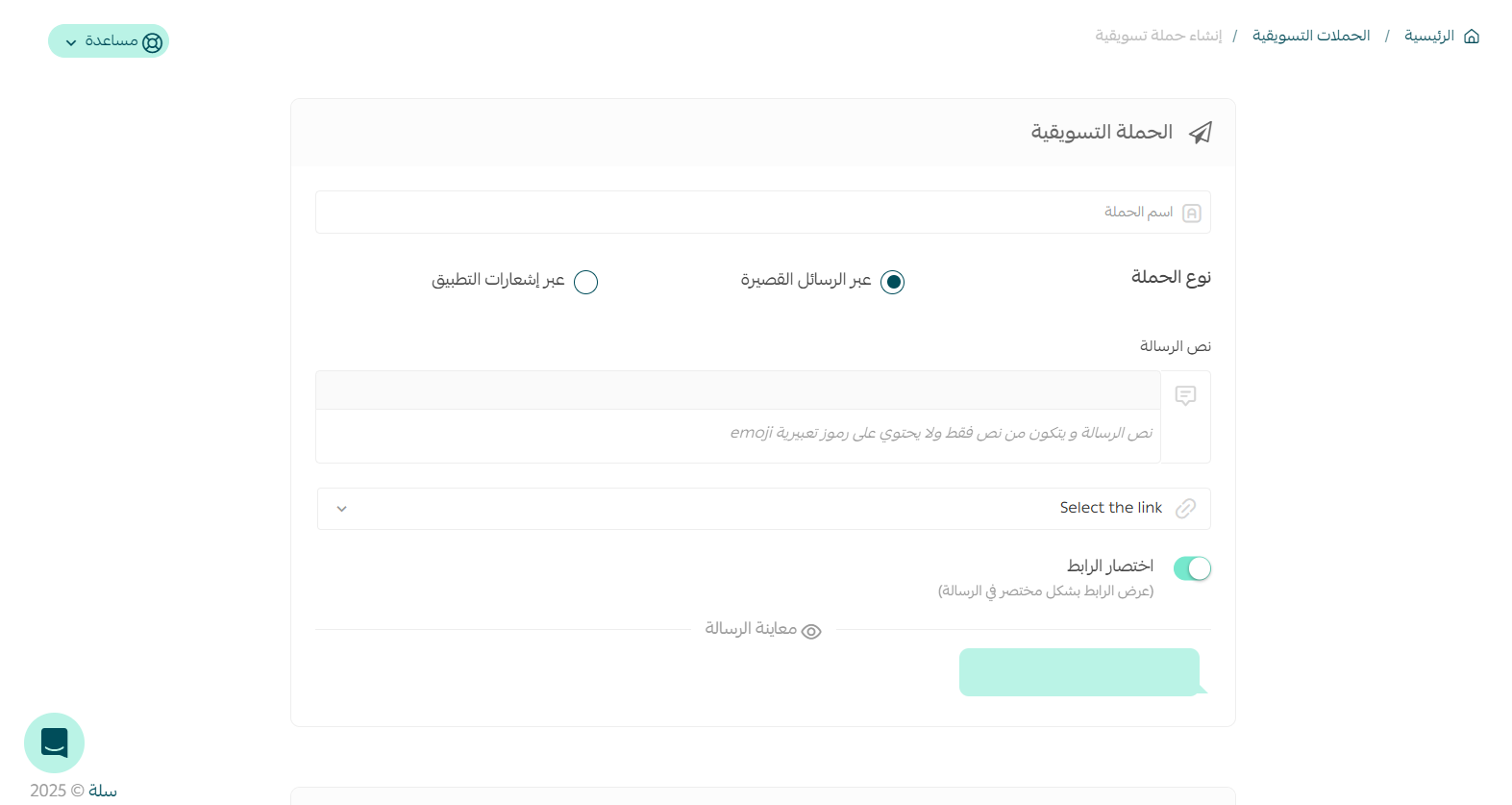
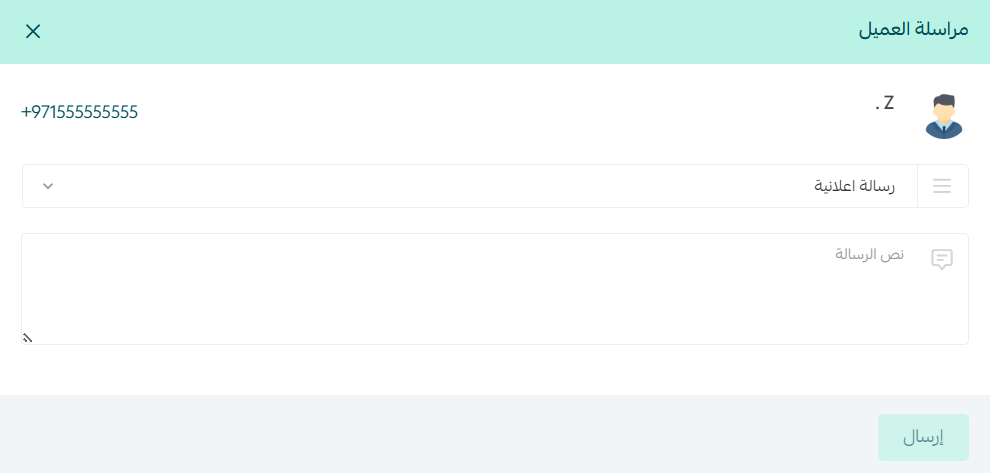
Step 6: Once these steps are completed, you can proceed to send normal text messages to customers or trigger a campaign as usual.
For any assistance with the integration and application you can reach out to the ValueFirst support team.
Email: ksasupport@vfirst.com
Phone: +966594256396